


 Français
  Español
  Italiano
  Deutsch
  Nederlands
  Português
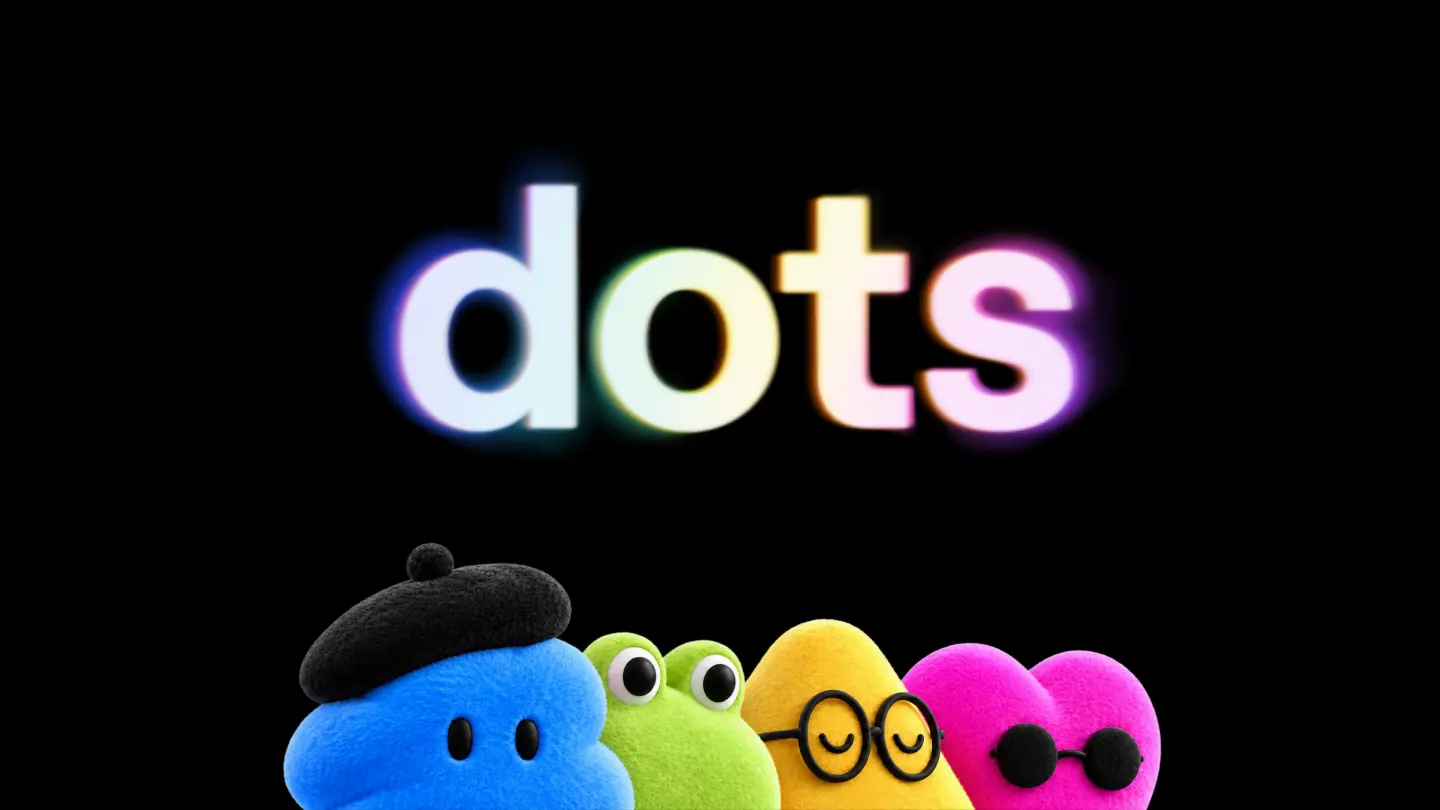
As a small business owner, you’re always looking for ways to save time and improve your digital communication. OpenAI’s latest tool, Dots, is designed to help with just that. But what exactly is Dots, and how can it benefit your business? In this guide, we’ll break it down in simple terms and show you how to make the most of it.
Key Takeaways
- Dots is a new tool from OpenAI aimed at simplifying digital communication for small businesses.
- It can help automate tasks like social media posts, customer reviews, and Google Business Profile updates.
- Dots is user-friendly and doesn’t require technical expertise.
- It’s designed to complement, not replace, your existing marketing tools.
- Tools like Paisible AI offer additional features, such as direct publishing and campaign management.
- Dots can save you time, allowing you to focus on running your business.
What Is OpenAI’s Dots?
Dots is a tool created by OpenAI to help small businesses manage their digital communication more efficiently. Think of it as a helper that can assist with tasks like:
- Creating and scheduling social media posts.
- Responding to customer reviews or messages.
- Updating your Google Business Profile to keep it fresh and engaging.
The goal of Dots is to make these tasks easier so you can focus on what you do best—running your business.
How Can Dots Help Your Small Business?
Running a small business means wearing many hats. Between serving customers, managing inventory, and handling day-to-day operations, digital communication can often feel like an extra burden. Here’s how Dots can help:
1. Save Time on Social Media
Posting regularly on social media is important for staying connected with your customers, but it can be time-consuming. Dots can help by suggesting posts or even automating them based on your business’s needs. For example:
- A restaurant owner can use Dots to schedule posts about daily specials or upcoming events.
- A hair salon can share tips for maintaining hairstyles or promote last-minute appointment slots.
- A local shop can highlight new products or seasonal offers.
2. Improve Customer Engagement
Responding to customer reviews or messages quickly is key to building trust. Dots can help by drafting responses to common questions or reviews, so you can reply faster. For instance:
- If a customer leaves a positive review, Dots can suggest a thank-you message.
- If someone asks about your business hours, Dots can provide a quick, accurate response.
3. Keep Your Google Business Profile Updated
Your Google Business Profile is often the first thing customers see when they search for your business. Keeping it updated with accurate information, photos, and posts is crucial for local visibility. Dots can help by:
- Suggesting updates for your profile, such as new photos or changes in business hours.
- Reminding you to post regularly to keep your profile active.
What Dots Doesn’t Do (And How to Fill the Gaps)
While Dots is a helpful tool, it’s important to understand its limitations. For example:
- Dots doesn’t publish content directly to platforms like Facebook, Instagram, or Google Business Profile. You’ll still need to copy and paste or manually upload the content it generates.
- It doesn’t manage paid advertising campaigns or track performance metrics like clicks or conversions.
This is where tools like Paisible AI can complement Dots. Paisible AI not only helps you create content but also publishes it directly to platforms like Google Business Profile, Facebook, or Instagram. It also allows you to manage ad campaigns and track their performance, all in one place. This means you can save even more time and streamline your digital communication efforts.
How to Get Started with Dots
If you’re interested in trying Dots, here’s how to get started:
- Sign Up: Visit OpenAI’s website to learn more about Dots and sign up for access.
- Connect Your Accounts: Link your social media profiles and Google Business Profile to Dots.
- Set Your Preferences: Choose the types of tasks you want Dots to help with, such as social media posts or customer responses.
- Start Small: Begin with one or two tasks, like scheduling social media posts, and see how it works for your business.
- Review and Adjust: Check the content Dots generates and make any necessary tweaks to ensure it aligns with your brand’s voice.
Do’s and Don’ts for Using Dots
To make the most of Dots, keep these tips in mind:
Do:
- Use Dots to save time: Focus on repetitive tasks like social media posts or customer responses.
- Customize the content: Always review and adjust the suggestions to match your brand’s tone.
- Combine with other tools: Use Dots alongside tools like Paisible AI for a more comprehensive solution.
Avoid:
- Relying solely on automation: While Dots can help, it’s important to stay involved in your digital communication to ensure authenticity.
- Ignoring customer feedback: Always review responses to customer reviews or messages to ensure they’re appropriate.
- Overcomplicating things: Start with simple tasks and gradually explore more features as you get comfortable.
FAQ
What exactly is OpenAI’s Dots?
Dots is a new tool from OpenAI aimed at helping small businesses manage their digital communication more efficiently. It focuses on simplifying tasks like social media posts, customer interactions, and local visibility updates.
How can Dots help my small business?
Dots can assist with automating repetitive tasks such as posting on social media, responding to customer reviews, or updating your Google Business Profile. This saves you time and ensures your online presence stays active and engaging.
Do I need technical skills to use Dots?
No, Dots is designed to be user-friendly for small business owners who aren’t tech experts. It simplifies digital communication tasks so you can focus on running your business.
Can Dots replace my current social media or marketing tools?
Dots is a complementary tool that can work alongside your existing platforms. It’s not meant to replace them but to make managing them easier and more efficient.
Is Dots available for all types of small businesses?
Yes, Dots is designed to be flexible and useful for a wide range of small businesses, including local shops, restaurants, hair salons, and independent professionals.
How does Dots compare to tools like Paisible AI?
While Dots focuses on simplifying digital communication, tools like Paisible AI go further by not only creating content but also publishing it directly to platforms like Google Business Profile, Facebook, or Instagram. Paisible AI also offers campaign management and performance tracking, all in one place.
Final Thoughts
OpenAI’s Dots is a promising tool for small business owners looking to simplify their digital communication. It can help you save time on tasks like social media posts, customer reviews, and Google Business Profile updates, allowing you to focus on what matters most—running your business.
However, if you’re looking for a more comprehensive solution that includes direct publishing and campaign management, consider combining Dots with a tool like Paisible AI. This way, you can streamline your digital communication even further and ensure your online presence is always up-to-date and engaging.
Ready to take your digital communication to the next level? Explore Paisible AI today and see how it can help you save time and grow your business.