


 Français
  Español
  Italiano
  Deutsch
  Nederlands
  Português
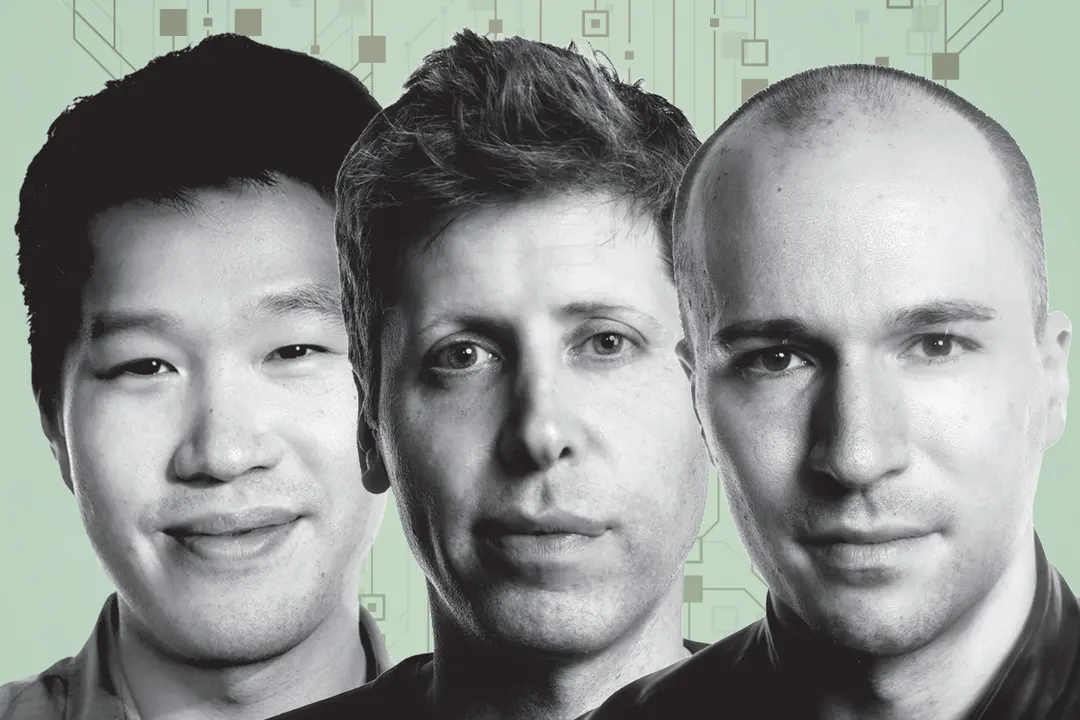
OpenAI’s leaders—Sam Altman, Greg Brockman, and Mark Chen—have shared an ambitious roadmap for 2026: superintelligent personal assistants, new AI-powered devices, and stricter safety standards. While this might sound like tech-industry jargon, it has real implications for local shops, restaurants, and craftspeople. The good news? You don’t need to be a tech expert to prepare. Here’s what it means for your business and how to act without wasting time.
Key Takeaways
- AI assistants will become more intuitive and capable of handling customer interactions, scheduling, and even inventory tasks.
- New AI-powered devices (e.g., smart displays, voice assistants) will make it easier to integrate AI into daily operations.
- Safety and data privacy will improve, making AI tools more trustworthy for small businesses.
- You can already start using AI to save time on repetitive tasks like social media, newsletters, and customer inquiries.
- Focus on tools that are easy to use, affordable, and compliant with data protection laws (like Paisible AI).
- Avoid overcomplicating things—start small and scale as you see results.
What OpenAI’s 2026 Vision Actually Means for Your Business
1. Superintelligent Personal Assistants: Your New Team Member
OpenAI’s goal is to create AI assistants that can handle complex tasks—like managing customer inquiries, scheduling appointments, or even assisting with inventory. For a small business, this means:
- For restaurants: An AI assistant could answer customer questions about menu items, allergens, or opening hours, freeing up your staff to focus on service.
- For hair salons: It could manage appointment bookings, send reminders, and even draft promotional posts for social media.
- For retail shops: It could help with inventory updates, customer FAQs, or drafting newsletters to keep clients engaged.
Today, tools like Paisible AI already help small businesses automate these tasks without needing technical skills. For example, you can generate a week’s worth of social media posts in minutes or draft a newsletter in seconds.
2. New AI-Powered Devices: Easier Than You Think
OpenAI is working on new devices (e.g., smart displays, voice assistants) that will make AI more accessible. For small businesses, this could mean:
- Voice-activated assistants to check inventory or update your Google Business Profile.
- Smart displays in your shop or restaurant to showcase promotions or answer customer questions.
- AI-powered tools integrated into your existing systems (e.g., point-of-sale, booking software).
While these devices aren’t widely available yet, you can start preparing by testing simple AI tools today. For example, use an AI assistant to generate social media content or draft responses to customer reviews.
3. Safety and Data Privacy: Why It Matters for Your Business
OpenAI is emphasizing safety and alignment with industry standards. For small businesses, this means:
- AI tools will be more secure, reducing the risk of data breaches or misuse of customer information.
- You’ll have more control over what the AI can access (e.g., customer data, business details).
- Compliance with regulations like GDPR will be a priority, which is crucial for businesses handling customer data.
When choosing an AI tool, look for providers that prioritize data privacy. For example, Paisible AI is GDPR-compliant and designed specifically for small businesses, ensuring your data stays secure.
How to Act Now: 3 Practical Steps for Small Businesses
1. Automate Customer Interactions
Start by using AI to handle repetitive tasks, such as:
- Answering FAQs (e.g., “What are your opening hours?” or “Do you offer gluten-free options?”).
- Drafting responses to customer reviews on Google or Facebook.
- Generating social media posts or newsletters.
For example, a local bakery could use AI to create a month’s worth of Instagram posts showcasing new pastries or promotions. Tools like Paisible AI can help you generate and schedule this content in minutes.
2. Test AI Tools for Time-Saving Tasks
Identify one or two tasks that take up too much of your time and see if AI can help. For example:
- Restaurants: Use AI to draft menu descriptions or promotional emails.
- Hair salons: Generate social media posts or appointment reminders.
- Retail shops: Create product descriptions or inventory updates.
Start with free or low-cost tools to see what works best for your business. Many AI assistants, including Paisible AI, offer affordable plans tailored to small businesses.
3. Prioritize Data Privacy
When choosing an AI tool, ask these questions:
- Is the tool compliant with GDPR or other local data protection laws?
- Does it allow you to control what data the AI can access?
- Does it store your data securely?
Avoid tools that require you to share sensitive customer information. Instead, opt for providers that prioritize privacy and transparency, like Paisible AI.
What to Avoid
- Don’t wait for “perfect” AI. Start small with tasks you can automate today, like social media or customer inquiries.
- Avoid tools that are too complex. Choose AI assistants designed for small businesses, not tech experts.
- Don’t ignore data privacy. Always check how your data is stored and used.
- Don’t overcomplicate your strategy. Focus on one or two tasks to automate, then scale as you see results.
FAQ
What does OpenAI’s 2026 AI vision mean for my small business?
OpenAI’s plans focus on superintelligent personal assistants, new devices, and safety standards. For small businesses, this means AI tools will become more intuitive, capable of handling customer inquiries, managing schedules, and even assisting with tasks like inventory or social media—all while being easier to use and more secure.
How can I use AI assistants in my local shop or restaurant today?
Start small: use AI to automate responses to common customer questions (e.g., opening hours, menu items), generate social media posts, or draft newsletters. Tools like Paisible AI can help you create and schedule this content without needing technical skills.
Is AI safe for my small business to use?
OpenAI is emphasizing safety and data privacy, which is good news for small businesses. When choosing AI tools, look for providers that comply with GDPR (like Paisible AI), avoid sharing sensitive customer data, and allow you to control what the AI can access.
Will AI replace my job or my employees?
No. AI is designed to assist, not replace. For small businesses, it’s about saving time on repetitive tasks (e.g., posting on social media, answering FAQs) so you and your team can focus on what matters most—serving customers and growing your business.
How much does it cost to use AI for my business?
Costs vary, but many AI tools offer free or low-cost plans for small businesses. For example, Paisible AI provides affordable plans tailored to local shops, restaurants, and craftspeople, with no hidden fees.
Next Steps
OpenAI’s 2026 vision is exciting, but you don’t need to wait to start benefiting from AI. Begin by automating one or two tasks, like social media or customer inquiries, and see how it saves you time. Tools like Paisible AI are designed to make this easy, even if you’re not a tech expert.
Ready to try? Create your account and start exploring how AI can help your business today.